Screens and sleep: how to scroll without ruining your rest
29 October 2025|Written by: Dream Chronicler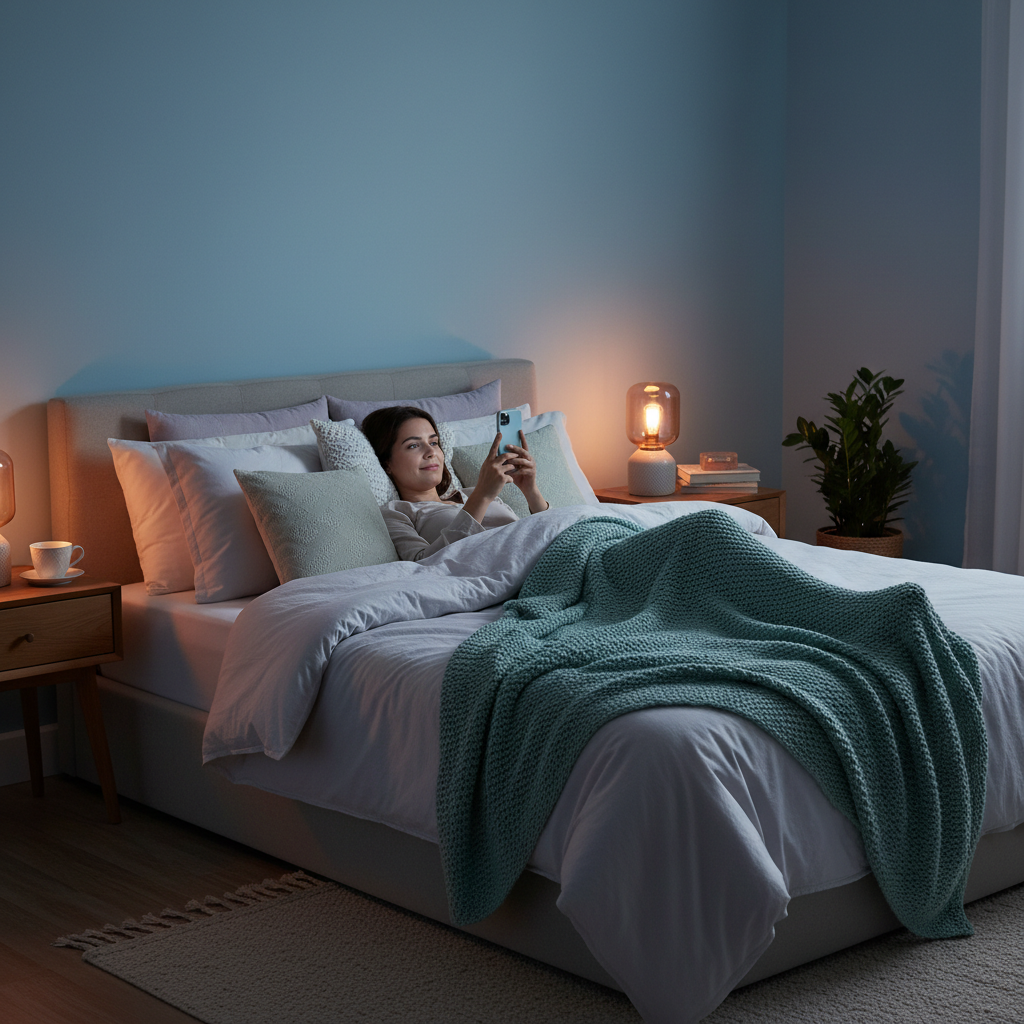
It’s the modern bedtime ritual: pyjamas on, teeth brushed, and phone in hand. You climb into bed, intending to send one last text, but thirty minutes later, you’re deep in a social media hole or reading stressful news headlines.
We all know the standard advice. Sleep experts have been telling us for years to banish devices from the bedroom. But let’s be realistic—for many Kiwis, that phone is an alarm clock, a connection to family, and a way to wind down after a long day at work.
The good news is that technology and sleep don’t have to be enemies. The solution to the sleep challenge is information. By understanding how screens actually affect your brain, you can create a routine that lets you stay connected without sacrificing that crucial eight-hour dose of rest.
Is blue light really the villain?
For a long time, the conversation about screens focused almost entirely on “blue light.” Electronic devices emit a specific wavelength of light that mimics daylight. When your eyes perceive this light, your brain thinks the sun is still up. This suppresses the production of melatonin, the hormone that signals to your body that it’s time to sleep.
While this is true, recent research suggests the story is a bit more nuanced. The intensity of the light matters just as much as the colour. A bright screen in a dark room is jarring for your brain, but a dimmed screen with “Night Mode” enabled is far less disruptive.
However, blaming the light is only half the battle. If you turn your screen amber but spend an hour reading stressful work emails, you still won’t sleep well. This brings us to the bigger issue: content.
The ‘Doomscroll’ Trap
What you consume is often more damaging than the device you consume it on.
We live in an era of “doomscrolling”—endlessly scrolling through bad news, controversial comments, or stressful updates. This content triggers an emotional response. It raises your heart rate and increases cortisol, the stress hormone. Essentially, you are telling your body to be alert and ready for action right when you want it to relax.
Compare this to reading a calming e-book or watching a slow-paced, familiar TV show. These activities can actually help some people decompress. The device is the same, but the physiological reaction is completely different.
3 simple rules for screen-savvy sleepers
You don’t need to toss your phone out the window to get a good night’s sleep. You just need better boundaries. Here are three realistic rules to help you find balance.
1. Curate your content
If you must use a screen, choose your input carefully. Avoid the news, high-stress action movies, or work emails. Instead, opt for “passive” entertainment. Re-watching a favourite comedy series, listening to an audiobook, or using a meditation app are great ways to signal to your brain that the day is over.
2. Use the tech against itself
Most modern smartphones and tablets have built-in tools to help your eyes. Schedule “Night Shift” or “Eye Comfort Shield” to turn on automatically at sunset. This warms up the colours on your screen, reducing that harsh blue glare. Lower the brightness as far as it will go—your eyes will adjust quickly in a dark room.
3. The 30-minute buffer
Try to create a small buffer zone between the screen and sleep. It doesn’t have to be an hour. Even twenty or thirty minutes of screen-free time can make a difference. Use this time for your skincare routine, chatting with your partner, or reading a physical magazine. This gives your brain a clear signal: the scrolling is done, and sleep is coming.
Making your bedroom a sanctuary
Technology is a tool, and like any tool, it’s all about how you use it. You don’t have to be perfect. Aim for progress, not perfection. If you find yourself scrolling late at night, don’t beat yourself up. Just dim the screen, switch to something calming, and try again tomorrow.
Creating a sleep-friendly environment is one of the best investments you can make for your health. Whether it’s upgrading to a supportive mattress that aligns your spine or setting simple boundaries with your phone, these small changes add up to better rest.
Remember, the goal isn’t to live in the dark ages. It’s to wake up feeling refreshed and ready to tackle the day. As the saying goes: Happiness is getting enough sleep.